

|
Buy:
|
Computer Vision: Invisible Animals
Note: Lesson plan and resources for this activity can be found at the bottom of this page.
Overview
|
Camouflage is evidence of natural selection at work. In this lesson, students will
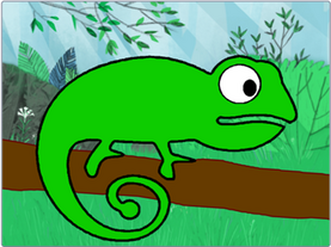
contextualize this by using computer vision to create a digital chameleon that can change colour to match its surroundings. |
|
Computer Vision (CV)
|
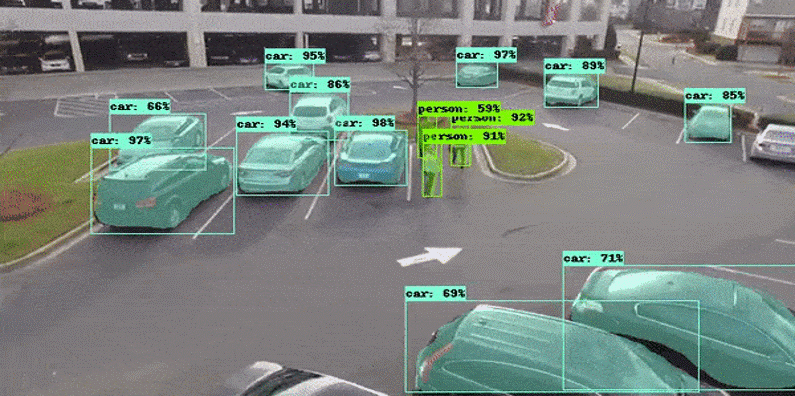
Computer vision, often abbreviated as CV, is a field of study that tries to teach computers how to “see” and interpret the world around them.
By using AI in computer vision, we can train computers to assess visual data such as photos, images, and videos, enabling us humans to gather and process huge amounts of information, much more quickly than we could do on our own. |
|
|
COMPUTER VISION APPLICATIONS
Common Computer Vision applications include:
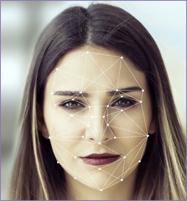
Computer vision has infinite applications across many different industries, from retail to banking, automotive to entertainment, and agriculture to healthcare, just to name a few. Computer vision technology powers innovation including Touch ID on iPhones, Facebook auto-tagging, image search engines, Instagram filters, QR codes, bar codes, autonomous vehicles, medical imaging and speed cameras. |
|
Lesson Plan
Lesson Plan: Invisible Animals
Using machine learning to create a digital chameleon that can change colour to match its surroundings.
This lesson is aligned with the National Curriculum in England: Secondary Curriculum (Key Stage 2/3), Curriculum for Wales (Digital Competence Framework), ISTE standards for students, and CSTA K-12 CS standards.
Overview
In this lesson, students will use computer vision to create a digital chameleon that can change colour to match its surroundings.
Learning Objectives
Materials Needed
Curriculum Mapping
Using machine learning to create a digital chameleon that can change colour to match its surroundings.
This lesson is aligned with the National Curriculum in England: Secondary Curriculum (Key Stage 2/3), Curriculum for Wales (Digital Competence Framework), ISTE standards for students, and CSTA K-12 CS standards.
Overview
In this lesson, students will use computer vision to create a digital chameleon that can change colour to match its surroundings.
Learning Objectives
- Understand the basic principles of machine learning and its applications
- Understand and use sequence in an algorithm
- Understand and use iteration in an algorithm (FOR and WHILE loops)
- Understand and use selection in an algorithm (IF, Else and Else if)
- Develop skills in creating and training a machine learning model.
Materials Needed
- Computers with internet access
- Access to machinelearningforkids.co.uk
- Scratch 3 (online version via machinelearningforkids.co.uk)
- Projector and screen for demonstration
- Handouts with step-by-step instructions (see resources below)
Curriculum Mapping
KS2 Computing:
- Design, write and debug programs that accomplish specific goals, including controlling or simulating physical systems; solve problems by decomposing them into smaller parts.
- Use sequence, selection, and repetition in programs; work with variables and various forms of input and output.
- Use logical reasoning to explain how some simple algorithms work and to detect and correct errors in algorithms and programs.
KS3 Computing:
- Use two or more programming languages, at least one of which is textual, to solve a variety of computational problems.
- Make appropriate use of data structures [for example, lists, tables or arrays].
Science and Technology AoLE (Computation is the foundation for our digital world):
- Progression Step 3: "I can use conditional statements to add control and decision-making to algorithms." and "I can identify repeating patterns and use loops to make my algorithms more concise."
- Progression Step 4: "I can decompose given problems and select appropriate constructs to express solutions in a variety of environments."
Digital Competence Framework (DCF):
- Producing: The lesson involves planning and creating digital content (a program) and then evaluating and improving it.
- Data and computational thinking: This is the core of the lesson, focusing on problem-solving, modeling a concept (happiness) with data, and understanding how algorithms work.
1.4 Innovative Designer:
- Students use a variety of technologies within a design process to identify and solve problems by creating new, useful, or imaginative solutions.
1.5 Computational Thinker:
- 5c: Students break problems into component parts, extract key information, and develop descriptive models to understand complex systems or facilitate problem-solving.
- 5d: Students understand how automation works and use algorithmic thinking to develop a sequence of steps to create and test automated solutions.
Algorithms and Programming (AP):
- 1B-AP-09: Create programs that use variables to store and modify data.
- 1B-AP-10: Create programs that include sequences, events, loops, and conditionals.
- 1B-AP-11: Decompose (break down) problems into smaller, manageable subproblems to facilitate the program development process.
- 1B-AP-15: Test and debug (identify and fix errors) a program or algorithm to ensure it runs as intended.
- 2-AP-11: Create clearly named variables that represent different data types and perform operations on their values.
- 2-AP-12: Design and iteratively develop programs that combine control structures, including nested loops and compound conditionals.
Lesson Outline
Starter (10 mins)
Play the slide show (below). Ask the students to shout out the name of the animal as soon as they spot it.
Once the students have correctly identified the animal, click on the next slide to reveal the answer.
Starter (10 mins)
Play the slide show (below). Ask the students to shout out the name of the animal as soon as they spot it.
Once the students have correctly identified the animal, click on the next slide to reveal the answer.
Camouflage
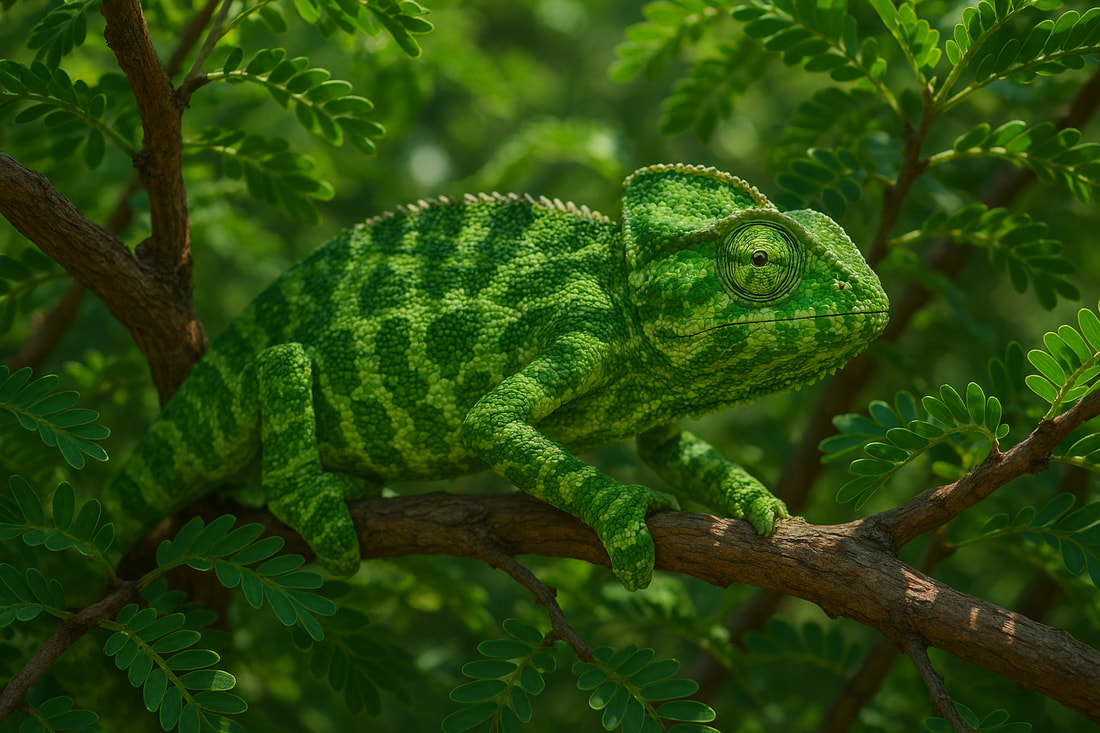
A chameleon (Image generated using AI)
Display the word Camouflage on the board. Explain that camouflage is like a natural disguise that animals use to blend in with their surroundings.
Ask the students why do you think some animals use camouflage? Draw out answers such as 'To hide from predators' or 'To hide itself when hunting prey' etc. Ask students if they can name any other animals that use camouflage.
Hands-On Activity (30 mins)
Explain to the students that they will be using machine learning and computer vision to create a digital chameleon that can change colour to match its surroundings.
Plenary (10 mins)
Objective: Gauge student understanding and provide feedback.
Assessment Criteria
Ask the students why do you think some animals use camouflage? Draw out answers such as 'To hide from predators' or 'To hide itself when hunting prey' etc. Ask students if they can name any other animals that use camouflage.
Hands-On Activity (30 mins)
Explain to the students that they will be using machine learning and computer vision to create a digital chameleon that can change colour to match its surroundings.
- Direct students to machinelearningforkids.co.uk and have them click on 'try it now'.
- Share the instructions 'Invisible Animals Worksheet' (see below) and challenge students to create their own digital chameleon that can change colour to match its surroundings..
- Once the training is complete, have students test their model using the examples they supplied and new ones.
Plenary (10 mins)
Objective: Gauge student understanding and provide feedback.
- Have students demonstrate their AI solutions and explain how they trained their models.
- Ask questions to assess their understanding of machine learning concepts and the project process. For example:
- Can you explain what machine learning is in your own words?
- Why do you think it's important to provide examples for the labelled images 'red', 'green', and 'blue'?
- How did you decide which examples to use for training your model?
- What did you notice about how the model responds to new examples?
- Can you describe the steps you took to create and train your digital chameleon?
- What challenges did you face while testing your model? How did you overcome them?
- What improvements would you make to your model if you had more time?
- How do you think computer vision can be used in real-life applications?
- What did you find most interesting about this project? Why?
Assessment Criteria
- Understanding of machine learning concepts and applications.
- Ability to create and train a machine learning model with appropriate examples.
- Successful creation of a chameleon that can change its colour based in its surroundings using Scratch.
Step-by-step instructions:

| invisible_animals_worksheet.pdf |